
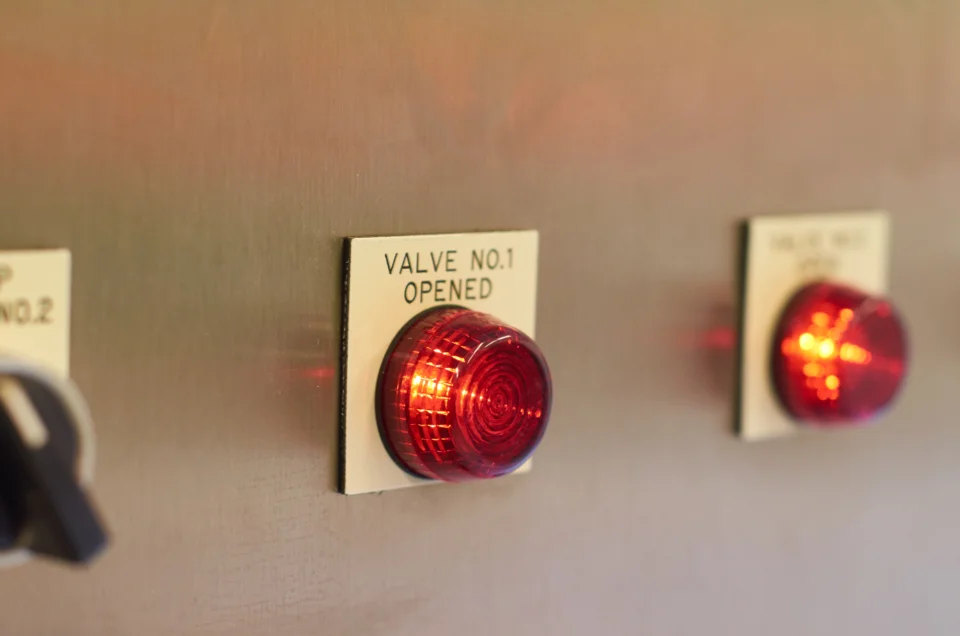
There is a failure mode we see often enough to have a name for it internally: the invisible process. A company automates a chain of steps, everything runs smoothly for eight months, then something breaks and nobody in the building can explain what the system was supposed to be doing. The original person who set it up has left. The rules live inside three different tools. Nobody can say which of them sent the last customer email.
The automation itself was not the mistake. Automating something that had never been properly described was.
Write down the manual process first
Before any configuration happens, we ask a client to walk us through the process as it exists today, including the parts they are embarrassed about. Who receives the request. What they check. Which colleague they chase when a field is blank. Where the spreadsheet lives. What the exception is when the customer is an old account with special terms.
Almost every process has exceptions, and they are where automation projects fail. A rule that handles ninety per cent of cases and silently mangles the other ten is worse than no rule, because the mangling is discovered late by the customer. Once the exceptions are written down, you can make a deliberate choice: encode them, or route them to a person.
Automate the steps, keep the decisions
A distinction worth holding onto is the difference between moving information and deciding something. Moving information is safe to automate aggressively — copying an approved quotation into the accounting system, creating a project folder when a job is won, sending a reminder three days before a service is due, updating a dashboard overnight. Nobody needs to think about these, and doing them by hand introduces typing errors.
Decisions are different. Whether to extend credit, whether a complaint warrants a refund, whether a job can be delivered in the requested timeframe — these benefit from automation that gathers the relevant facts onto one screen and then stops. The system should make the decision easy to take and easy to record, not take it on someone’s behalf.
Build for the day it fails
Assume every automated step will fail at some point, because it will. An API will change, a credential will expire, a supplier will rename a column in their export file. What separates a mild inconvenience from a bad week is whether the failure is loud.
That means three things in practice. Failures should raise an alert to a person, not just write a line to a log file nobody opens. Each run should leave a record of what it did, so you can reconstruct events afterwards. And there should be a documented manual fallback, even if it is slow, so the business can keep operating while the fix is made. We have seen order processing halt for two days simply because no living person remembered how to raise an invoice without the automation.
Resist the urge to chain everything
Long chains are seductive. Form submission triggers record creation, which triggers an email, which triggers a task, which triggers a status change, which triggers a report. Each link makes sense on its own. Together they produce a system where changing one small rule has consequences four steps away that nobody predicted.
Shorter, self-contained automations built as custom software with clear boundaries are easier to reason about and far easier to hand over to a new colleague. If you cannot draw the whole flow on a single sheet of paper, it is probably time to break it apart.
Review it on a schedule
Processes drift. The team changes how it works, a new service line appears, a rule that made sense in 2024 is now sending reminders about a product you no longer sell. A short quarterly review — what is still running, is it still correct, does anyone still need it — catches this cheaply. Switching off an automation nobody needs is as valuable as adding a new one.
Done with this kind of restraint, automation makes a company calmer rather than more fragile, and it sits comfortably alongside the broader question of where AI belongs in day-to-day operations. The aim is fewer repetitive keystrokes and more visibility, not a clever machine that only one person understands.